Your own website connected to work.
A service, programme or product leads to the right booking, order or enquiry, not a form with no next step.
A service, programme or product leads to the right booking, order or enquiry, not a form with no next step.
You can see who owns a request, what has been agreed and what action comes next.
We configure standard Odoo capabilities, connect suitable existing tools and customise only justified gaps.
We help support the system, update website content, add processes and connect marketing to real outcomes.

Odoo is a set of connected applications for websites, enquiries, sales and internal processes. We select and configure only the applications, roles, reference data and documents needed. We check the employee's whole journey, not just whether a menu item exists. Odoo edition, hosting and licences determine available capabilities.
Learn about working with Odoo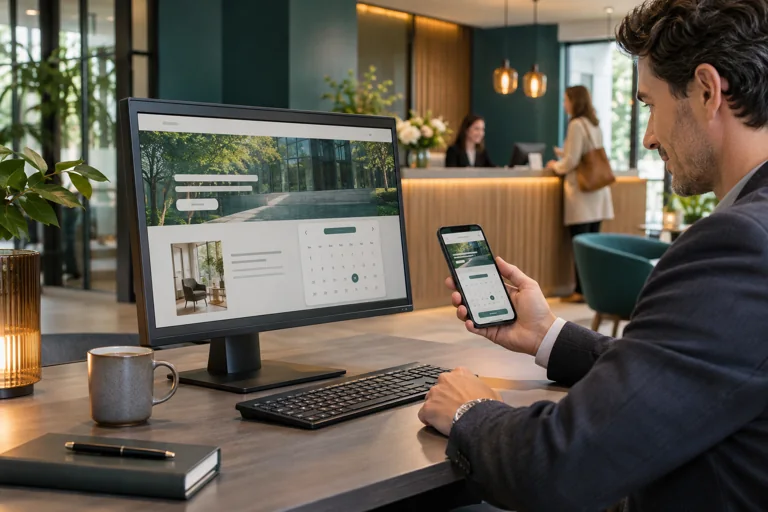
We prepare public pages with editable text and images, forms and personal access where needed. Customers should see only the data and documents they are entitled to access.
Websites and customer portals
We organise enquiries, owners and agreements. Interest in a service, an accepted proposal, a confirmed order and payment are different events; the system helps keep them distinct.
CRM and workflows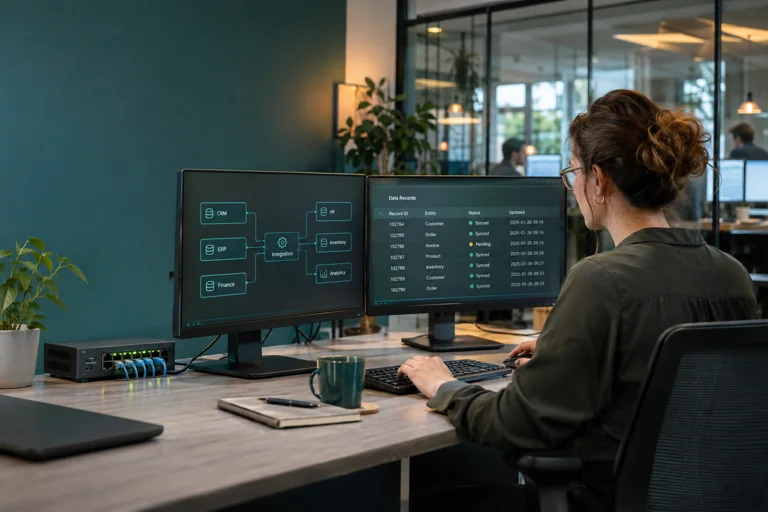
We connect selected applications where information would otherwise be moved by hand. We define the data source, recipient, error rules and retries. We do not promise a universal connection to everything without checking.
Integrations and data exchange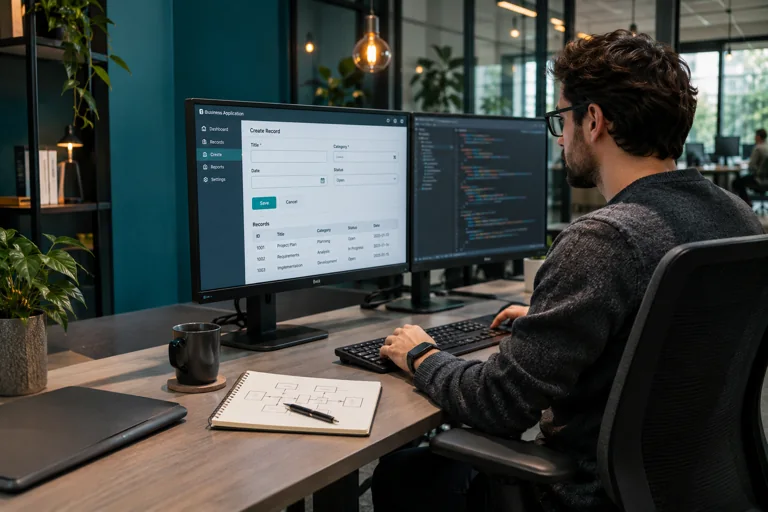
When standard configuration is insufficient, we design a small extension or separate feature. Before development, we agree exactly what the existing tool cannot solve and how the team will verify the result.
Development for a specific needConsider a salon service booking as an example of a composite business system, not a description of a solution that is automatically installed.
on the company's website and sends an enquiry or chooses an available time.
what was selected, which practitioner and resource are needed, and who received the enquiry.
If the required room is occupied or a consultation is needed, the request does not become a fictitious confirmed booking.
whether the visit took place, which documents were prepared and what was actually paid.
information helps identify which pages customers need, where staff lose time and which changes are useful.
Division of responsibility: infrastructure provides the selected hosting, availability and recovery; the business system handles records, rights and workflow; the salon solution brings these together in a clear industry scenario. Marketing brings suitable enquiries when the team is ready to handle them.
Service pages connect to bookings, practitioners and equipment; the administrator sees what needs confirmation. Explore
pNet's beauty salon solutionA company can buy places, but specific people learn. Programmes, cohorts, participants and access entitlements must remain distinct.
Solutions for academiesThe catalogue leads to advice and a commercial proposal, then to a confirmed order, delivery and service.
Solutions for suppliersThese are not three identical module packages. For each business we select processes, data, roles and necessary connections.
| Situation | The application already supports the standard scenario |
|---|---|
| A sensible first choice | Configure an existing Odoo capability |
| What else to check | Edition, licence, roles and real exceptions |
| Situation | Data remains in two suitable systems |
|---|---|
| A sensible first choice | Integrate one specific handoff |
| What else to check | Which system holds the main record; permissions, errors and retries |
| Situation | The required rule cannot be implemented with standard tools |
|---|---|
| A sensible first choice | A focused customisation |
| What else to check | Scope, tests, updates and support cost |
We do not propose replacing an existing ERP merely for a single interface or start with custom development when configuration solves the task. Odoo Website, CRM, booking, sales and accounting capabilities are connected according to the selected project scope and licences, not all automatically at once.
What the visitor, employee and manager do, and where a problem occurs.
Choose applications, data, roles, content and necessary connections.
Configure the system and normal path with the team; separately test an occupied booking, incorrect data and exchange failures.
Train staff, document actions and agree support and future changes.
To begin, it is enough to describe how a customer enquiry is handled today and which applications are used. A full technical document is not required. Sample data and access are arranged separately in a safe way.
A useful page and working CRM help handle demand, but demand must still be attracted and processed. In marketing and promotion pNet connects content, search, local presence or agreed advertising to enquiries. AI and Automation can help find an approved answer or complete a repeatable step, only with the necessary permissions and checks.
Website development, application maintenance, separate integrations and advertising budgets have different scopes. We define these boundaries in advance without selling the same configuration twice.
Yes. We agree the first workflow, the systems involved and a useful result before expanding the scope.
Describe your systems, the problem and any known constraints. You do not need a complete technical specification. Please leave passwords, keys and customer data out of your message.
No. We first check working systems. Sometimes connecting the website to an existing application and adding one reliable handoff is enough.
Yes. When creating the site, we account for where enquiries must go and what data will be needed; unnecessary features are not launched in advance.
No. Capabilities, user counts, licences, external services and support depend on the agreed proposal.
Not every action should be automated. Approvals, professional decisions, sends and payments retain owners and separate permissions.
Tell us what happens after a customer enquiry and where the team has to move data or check status. We will suggest a specific first stage with a clear way to verify the result.