A clear website.
Visitors can understand the service and how to get in touch.
Visitors can understand the service and how to get in touch.
Staff can change text and images within agreed limits without editing code.
A form leads to an owner and a visible result instead of disappearing into a separate mailbox.
A customer receives only their own documents and authorised information if a portal is actually needed.
Demonstrative layout, not a screenshot or a promise of a ready integration. Records and actions depend on the agreed scope and access rights.
Programme → format → requirements → dates → enquiry
Only the learner own permitted registrations, documents and next steps. No other customer records.
Responsible person checks the learner, place, terms and access. An enquiry is not enrolment.
Example: a programme page explains learning terms; a signed-in learner sees only their permitted information. A form submission alone does not confirm enrolment, payment or access.
A working website or portal, with tested mobile journeys, access rules and a clear way to update content.
Identify visitors, their questions and the actions they need.
Agree content, design, access and connections to existing systems.
Build the agreed pages and journeys using native features where they fit.
Check customer journeys, content editing and handover before launch.
Visitors need to understand whether a service fits, get answers and choose a next step.
The team needs the enquiry with enough context to continue without entering everything again. We design both journeys, not just the appearance of the first page.
One business may need only a website and a confirmable enquiry.
Another may benefit from a catalogue, booking or personal access. We add a portal when customers have real recurring actions, not to satisfy a mandatory feature-list item.
We assemble a clear page map and prepare text, headings, questions and links.
We explain the service through customer needs and your team's specific work. Facts and rights to materials are agreed; invented reviews, employees and results are not substitutes for evidence.
We use suitable standard components and consistent brand rules.
Your team should be able to change text, images and selected blocks without editing code. We check saving, reopening, creating a similar page and required language variants.
We establish which information is actually needed, where an enquiry goes and who handles it.
We prepare clear labels and error states. Accepted for sending is not presented as a delivered message or confirmed booking.
We organise access to agreed documents, materials or statuses.
We check data ownership and separation between customers. A shared email address should not automatically merge different people or grant access to an entire organisation.
Salon: service pages explain the format and preparation, then lead to an appropriate booking or consultation.
The schedule accounts for real resources and the customer receives clear confirmation.
Academy: programme, specific cohort and materials are connected, but buyer and learner remain different roles.
Access follows the selected process, not merely opening a payment page.
Consulting team: the client sees authorised documents and the next project step.
Internal notes and other customers' materials remain private.
Agree the main offer, content and required action.
Use agreed Odoo blocks, text, forms and permissions.
Confirm the right employee receives correct data without exposing someone else's information.
Check mobile display, editing, saving and subsequent work in the agreed environment.
Text and images remain editable. The presence of a form or portal alone does not confirm enquiry delivery, user rights or success of the whole operation.
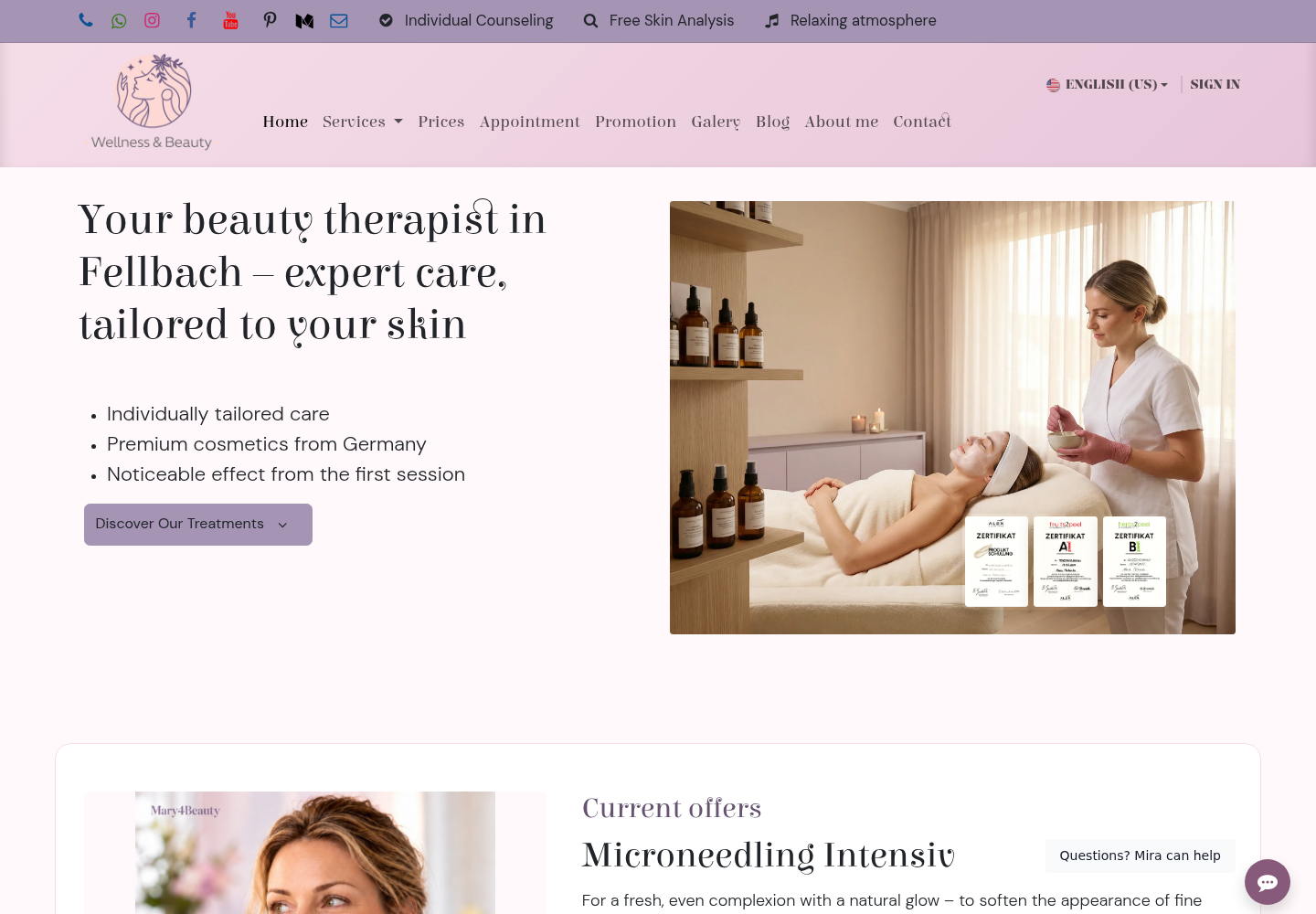
For Beauty, the website explains a specific service and leads to an appropriate booking option.
For an academy, a programme should lead to registration of the right learner, not just a place purchased by a company. For a supplier, the catalogue carries information about selected equipment or consumables into the enquiry and next commercial stage.
We use Odoo Website's editing capabilities where they solve the need: text, blocks and images remain editable and languages manageable.
A separate portal, payment or integration is added for the required process after checking version, permissions and services. An attractive screen without a working visitor action is not a finished result.
The website is connected to CRM and owners, and after launch to SEO and content.
A new website does not by itself mean advertising has started.
How pNet connects your website and workflows.
Booking, payments and accounts depend on the platform. Content, integrations, migration, maintenance and promotion are agreed explicitly.
Describe your systems, the problem and any known constraints. You do not need a complete technical specification. Please leave passwords, keys and customer data out of your message.
That is one of the project's aims. We agree which blocks the team edits and test those actions rather than promising editability based only on appearance.
Not always. It is useful for specific actions requiring authenticated access. If a form and document handover are enough, we do not complicate the first stage.
Yes. We check rights, address structure and migration needs. URL changes and redirects are planned separately so useful pages are not lost.
We use an appropriate mechanism for the selected platform. We agree structure, translatable fields and real editor actions; language must not break links or the interface.
No. A suitable offer, audience and selected promotion work are needed. We help connect these parts and measure actual events.
Tell us what a person should understand and do on the website and what your team should receive afterwards. We will select a structure and useful first scope.